
Pixel Art Coloring by Number
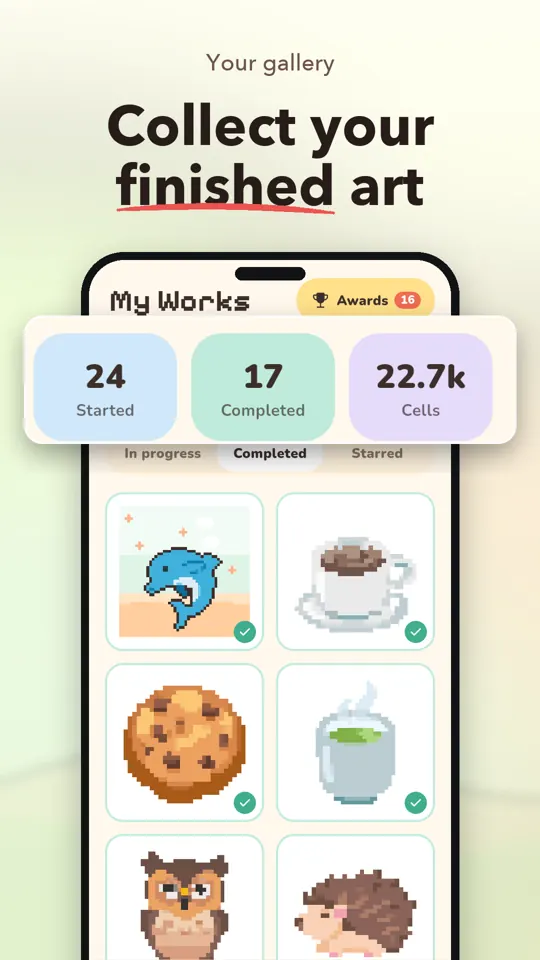
Pixbloom turns numbered cells into finished pixel art: choose a color, then tap or swipe to fill its matching squares. It’s made for adults who want a focused coloring break, whether they’re browsing the library or making art from a photo.
Get it on Google Play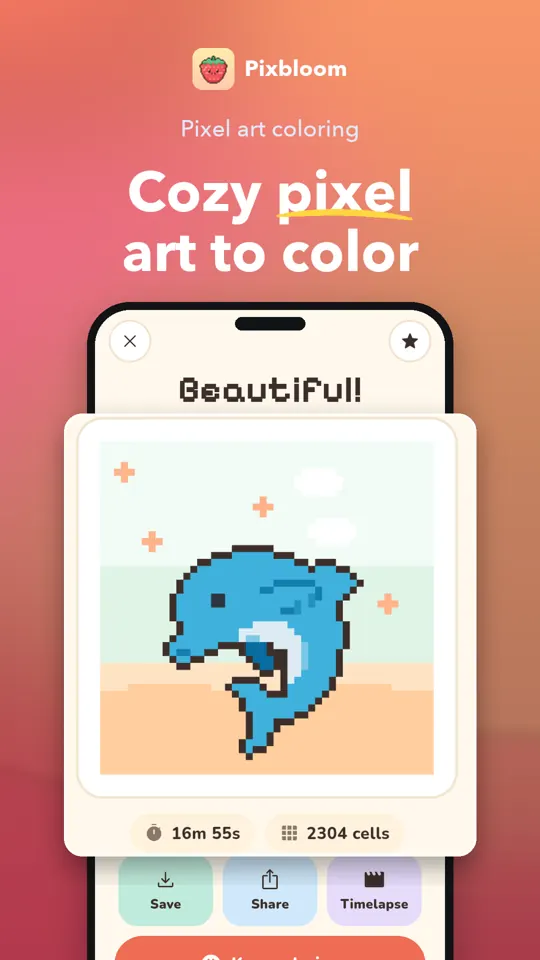
Screenshots
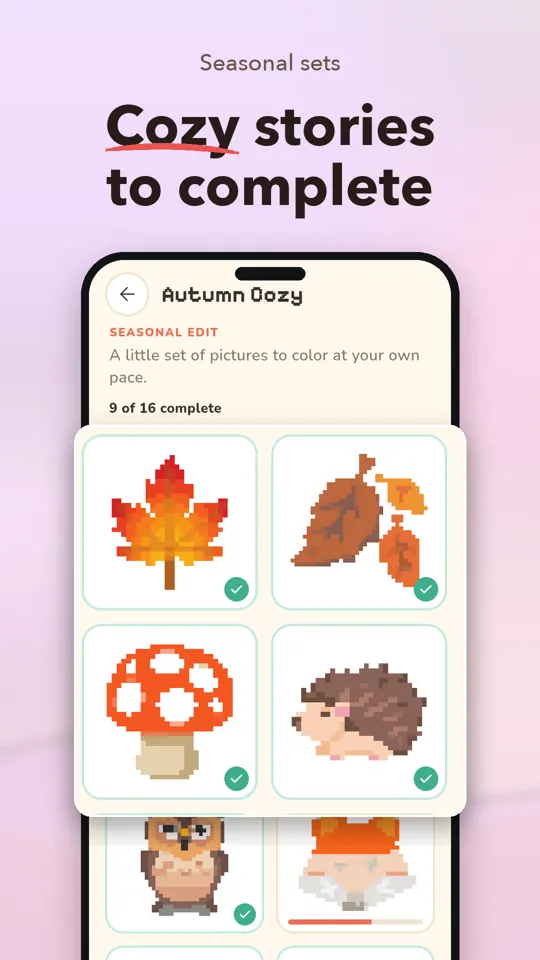
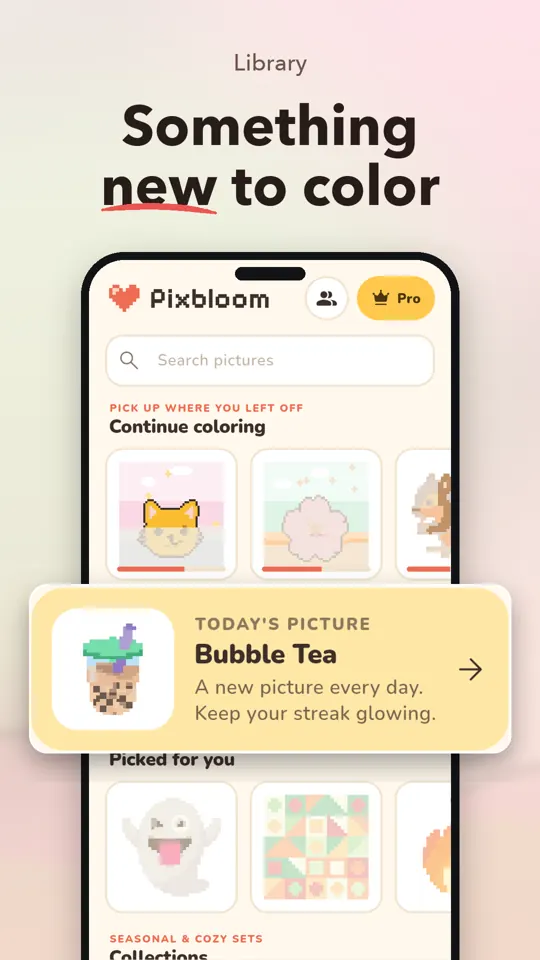
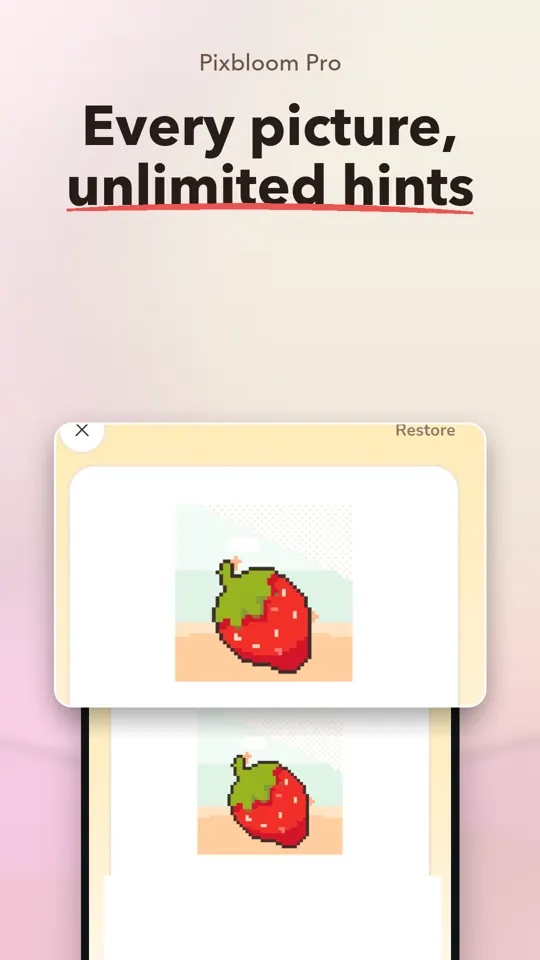
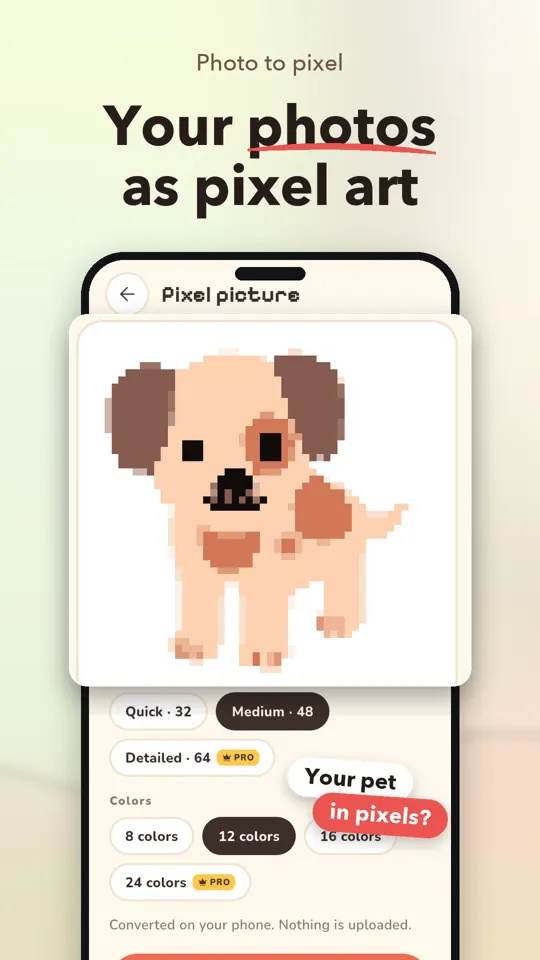
Pixel Art Coloring Features
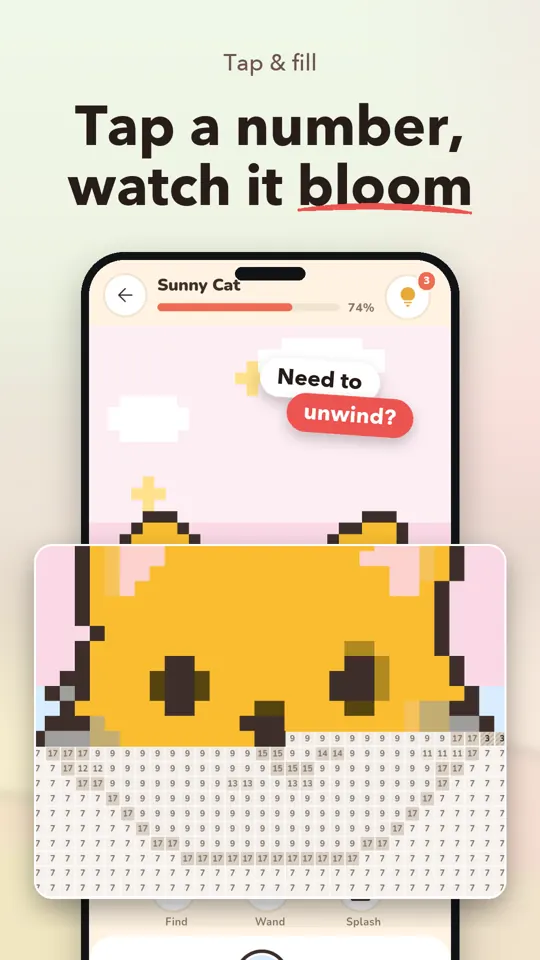
Tap or Swipe to Color
Choose a palette color and tap or swipe across its matching numbered cells. Highlights and progress rings show where to color and what remains.
Zoom Into Every Detail
Pinch to zoom and pan across detailed pictures. Adjust the number size and magnifier to make cells easier to work with.
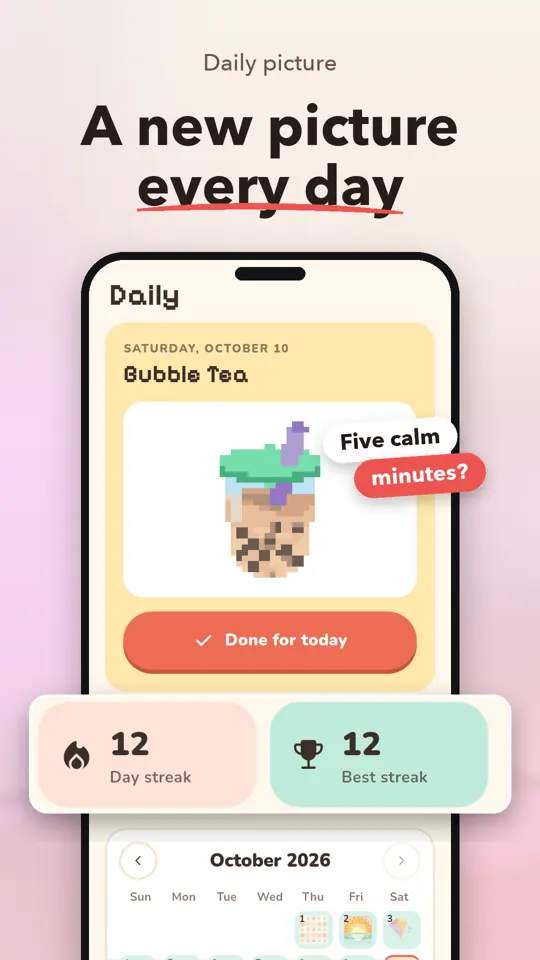
Daily Picture and Calendar
Complete the daily picture, build a streak, and check your calendar as you return. Awards offer hints and boosters as you reach new tiers.
Find Your Next Picture
Browse collections, stories, and categories, or use filters and search to find a subject that suits your mood.
Color From Your Photos
Choose a photo from your device and turn it into a numbered pixel picture. Free conversion offers 32 or 48 cells with 8 to 16 colors.
Helpful Coloring Tools
Use Hint to point to a next step, Find to locate a color, Wand to fill a connected patch, or Splash to color a round area.
Save, Share, Replay
Save finished PNGs to Pictures/Pixbloom or open the share sheet. Make a greeting card with a style and message, or replay your coloring as a timelapse.
Color Together on Wi-Fi
Join a room on the same Wi-Fi network to color together or race a friend to the finish. Joining is free; Pro allows more than one room a day.
Start Coloring in Three Steps
Choose a picture
Browse the library, open the daily picture, or choose a photo from your device.
Pick a color and fill
Select a palette color, then tap or swipe its matching numbered cells.
Finish and share
Complete the picture, then save it, share it, make a greeting card, or replay it as a timelapse.
Ways to Use Pixbloom
- A quiet coloring break for adults
- A daily pixel art routine
- Coloring during a Wi-Fi-free trip
- Turning a device photo into pixel art
- Making a greeting card to share
- Coloring or racing with a friend
Free vs Pro
Free
- Color by number with library pictures and daily pictures
- Photo conversion at 32 or 48 cells with 8 to 16 colors
- A free start pack and daily top-up of hints and boosters
- 720p timelapse with a small watermark
- Join Play Together rooms
Pro
- Premium pictures
- Unlimited hints and boosters
- Photo conversion at 64 cells or 24 colors
- 1080p timelapse without a watermark
- Unlimited Play Together rooms
- Ads removed
Frequently Asked Questions
Does Pixbloom work offline?
Yes. Pixbloom works without Wi-Fi, so you can color by number offline with your library and progress ready.
Is Pixbloom free?
You can color library and daily pictures, make basic photo conversions, and join Play Together rooms without Pro. Pro adds premium pictures and other features; some locked features can also be unlocked with a rewarded video.
How does Pixbloom handle my photos?
The listing says you can pick a photo from your device and convert it into a numbered pixel picture. It does not specify how photos are stored or handled, so check the app’s privacy information for those details.
Which phones can I use Pixbloom on?
Pixbloom is available for Android. The listing does not give specific phone models or Android version requirements.
Can I turn a photo into pixel art?
Yes. Choose a photo from your device and select a simpler or more detailed conversion. Free conversion offers 32 or 48 cells with 8 to 16 colors; Pro adds 64 cells or 24 colors.
Can I color with a friend?
Yes. Play Together lets you join a room on the same Wi-Fi network for co-op coloring or a race to finish. Joining is free; Pro allows more than one room a day.
Guides
How to Turn a Photo Into Pixel Art for Free
Turn a photo into free pixel art with an image editor or Pixbloom for Android. Learn how cell size and color count affect detail, plus fix common issues.
How to Turn a Photo Into a Color-by-Number Picture
Learn how photo-to-color-by-number apps turn a picture into numbered cells, what settings to try, how to color it, and how Pixbloom for Android handles the process.